Room and punch, louder at the same peak.
Press play, then flip to Win Win.
 Use Your Ears
Win Win Saturation · Mac & Windows
Six modules in one chain. Louder at the same peak.
Room and punch, louder at the same peak.
Press play, then flip to Win Win.
Sub weight and clarity on small speakers.
Press play, then flip to Win Win.
An 808 you can hear on a phone.
Press play, then flip to Win Win.
Every pair is matched to within 0.1 dB at its decoded sample peak.
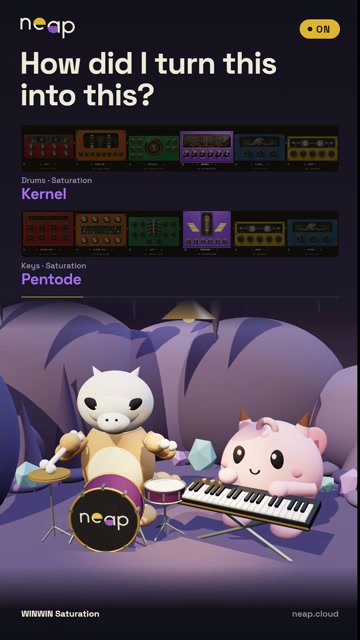
Drums
Silky tape transients
Press play to compare.
Bass
Focused saturation
Press play to compare.
Bass
Loudness & presence
Press play to compare.
Master
Closer, low end intact
Press play to compare.
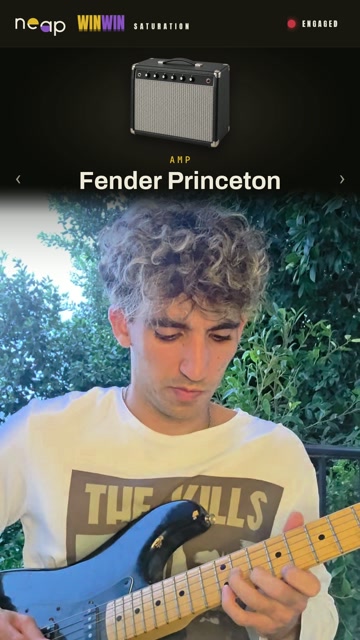
Guitar
Guitar wall
Press play to compare.
Arp
Add saturation
Press play to compare.
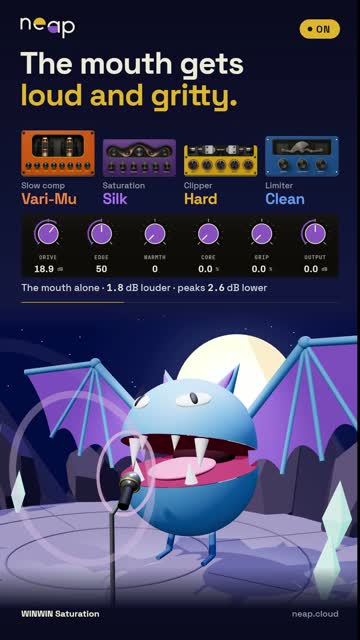
Vocal
Up front, naturally steady
Press play to compare.
One chain, six stages
Shape the movement, add colour, then control the peaks.
Analog hardware modelling presets
Presets built from hardware-model captures. Start there, then make it yours.
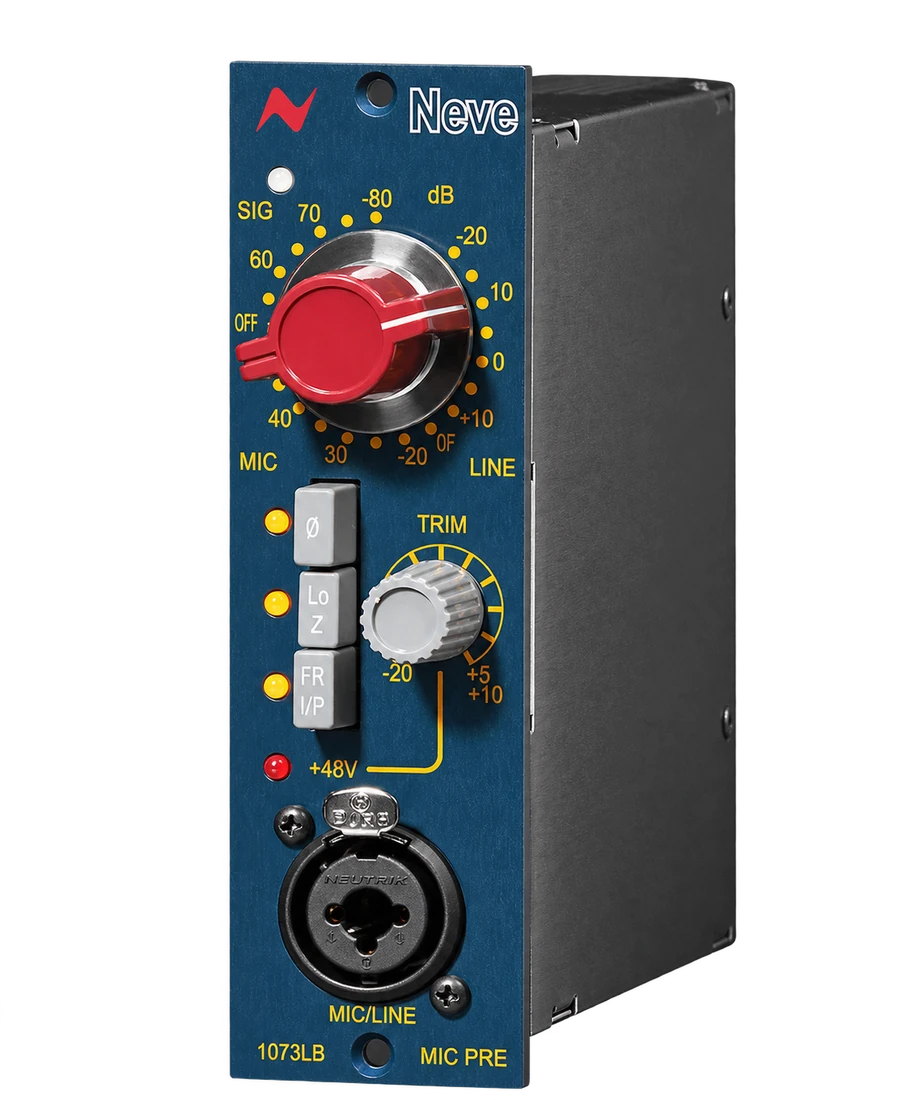
01 / Colour
Neve 1073 G70 · Tascam · Shadow Hills Discrete Iron
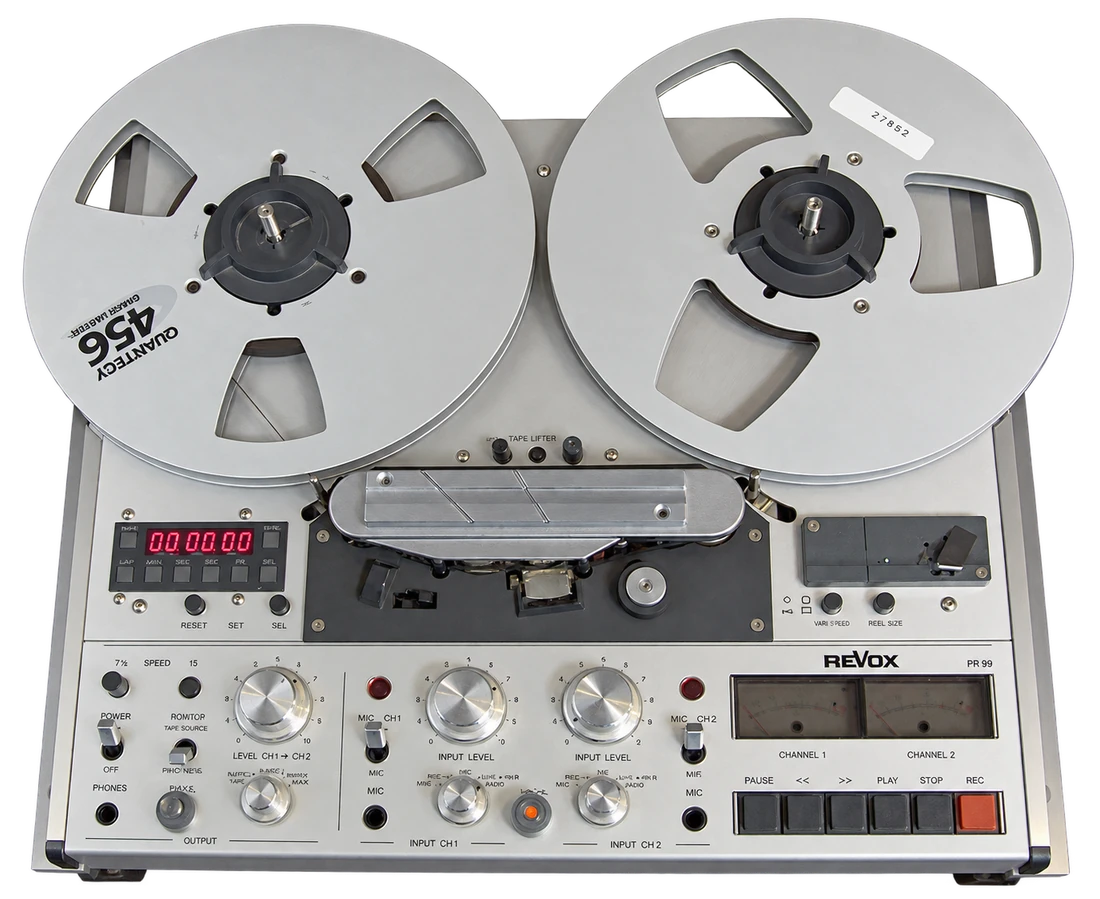
02 / Texture
3M M79 · MCI JH-24 · Revox PR99
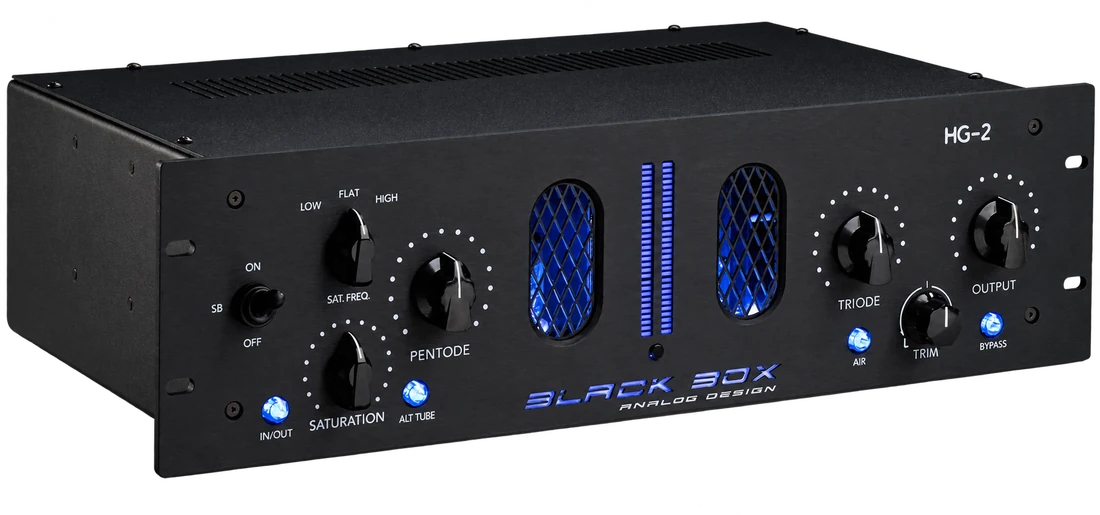
03 / Density
Black Box HG-2 · Culture Vulture
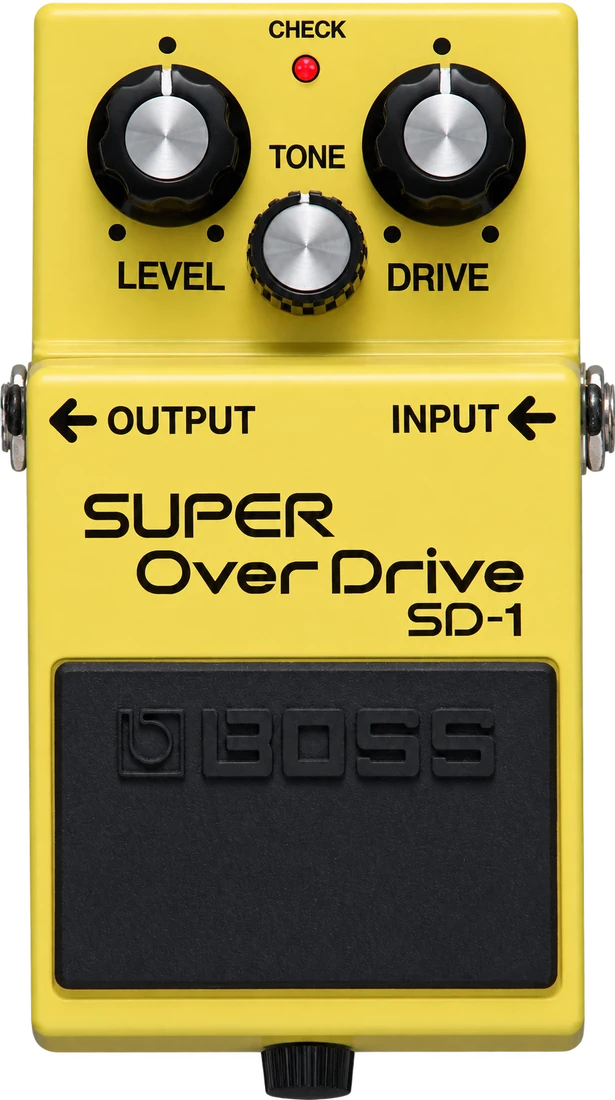
04 / Bite
Boss SD-1 · Ibanez TS9 · ProCo RAT
Learn
It tries many chains on your audio and hands you the best to audition.
More inside
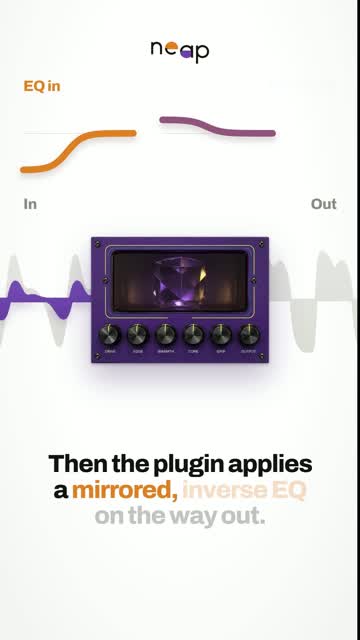
Cut a range before a module and Mirror applies the inverse EQ after it. The dynamics and harmonics made in between remain, the static EQ curve does not. Keep deep bass from driving the saturation without leaving a low shelf behind.
Pick a root note and a band repeats up its harmonic series, so the processing lands on the music. Automate the root and it follows the chords.
Peak Keep the peaks in place and hear the body you gain.
RMS Keep the average energy and compare texture and tone.
From the home lab
 0:36
0:36
 0:43
0:43
 0:31
0:31
 0:44
0:44
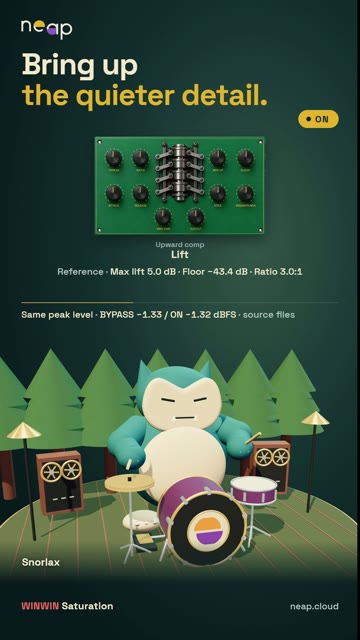 0:34
0:34
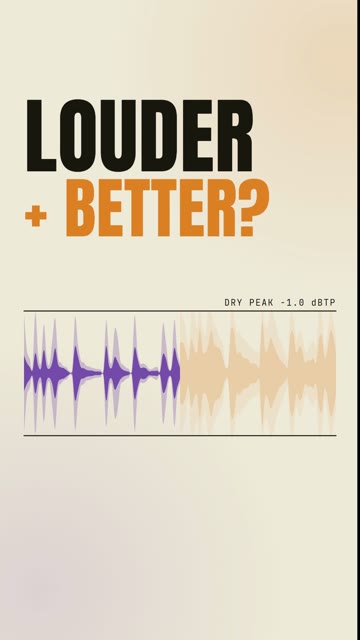 1:26
1:26
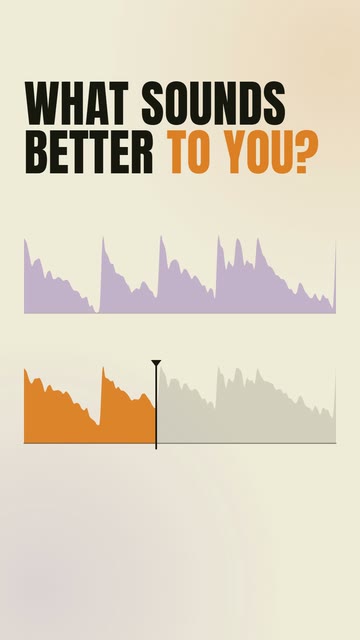 0:50
0:50
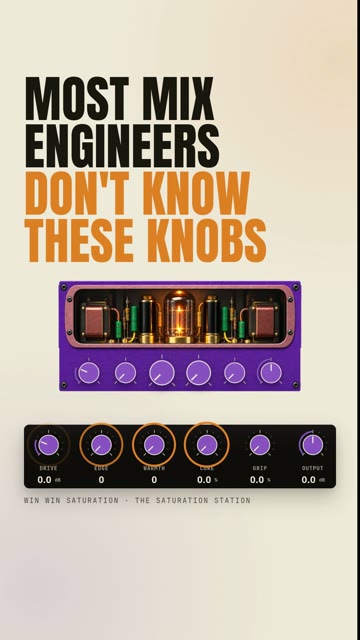 1:21
1:21
 1:19
1:19
 1:30
1:30
 1:53
1:53
Made by Amit. Best with headphones. Neap on YouTube ↗
Before you buy
macOS VST3 · AU · AAX · Standalone · Universal Windows VST3 · Standalone
| Formats | macOS: VST3, AU, AAX, Standalone. Windows: VST3, Standalone. The macOS installer installs all four. |
|---|---|
| Platforms | macOS 10.15 or newer, Universal, signed and notarized. Windows 10 and 11, 64-bit. |
| Authorization | 2 computers per licence. No licence keys, no dongle, no iLok. |
| Updates | Free for life. No subscription. |
| Version | Windows 1.5.0 · macOS 1.5.0 |
No. It is the full plugin for 14 days, no card, nothing to cancel. A free Neap account starts it. When it ends the output mutes and your settings stay. Trial policy.
No licence keys are required. Click Activate online in the plugin and sign in. How activation works.
Only to activate. It then runs offline for up to seven days between licence checks. No internet in your studio? Email support@neap.cloud.
Restart Logic after installing, then rescan in Settings → Plug-in Manager. Still missing? Check Audio Unit was ticked in the installer. Known issues.
Yes. 14 days, no questions asked. Email support@neap.cloud from the address you bought with. Full terms.
perpetual · free updates for life